Mobile Game: Potion Pop!
-
6 weeks
-
Group Project (6)
-
Unity, C#, Photoshop, GitHub
-
Responsibilities: Gameplay Design, Level Design, Gameplay Programming.
-
Additional work: Animation, Sprites, Sound.
On this project I was responsible for game and level design, but I was heavily involved in programming as well. Additionally, I made sprites in Photoshop and animated in Unity.


Try it out on Google Play!

~Prototyping phase~
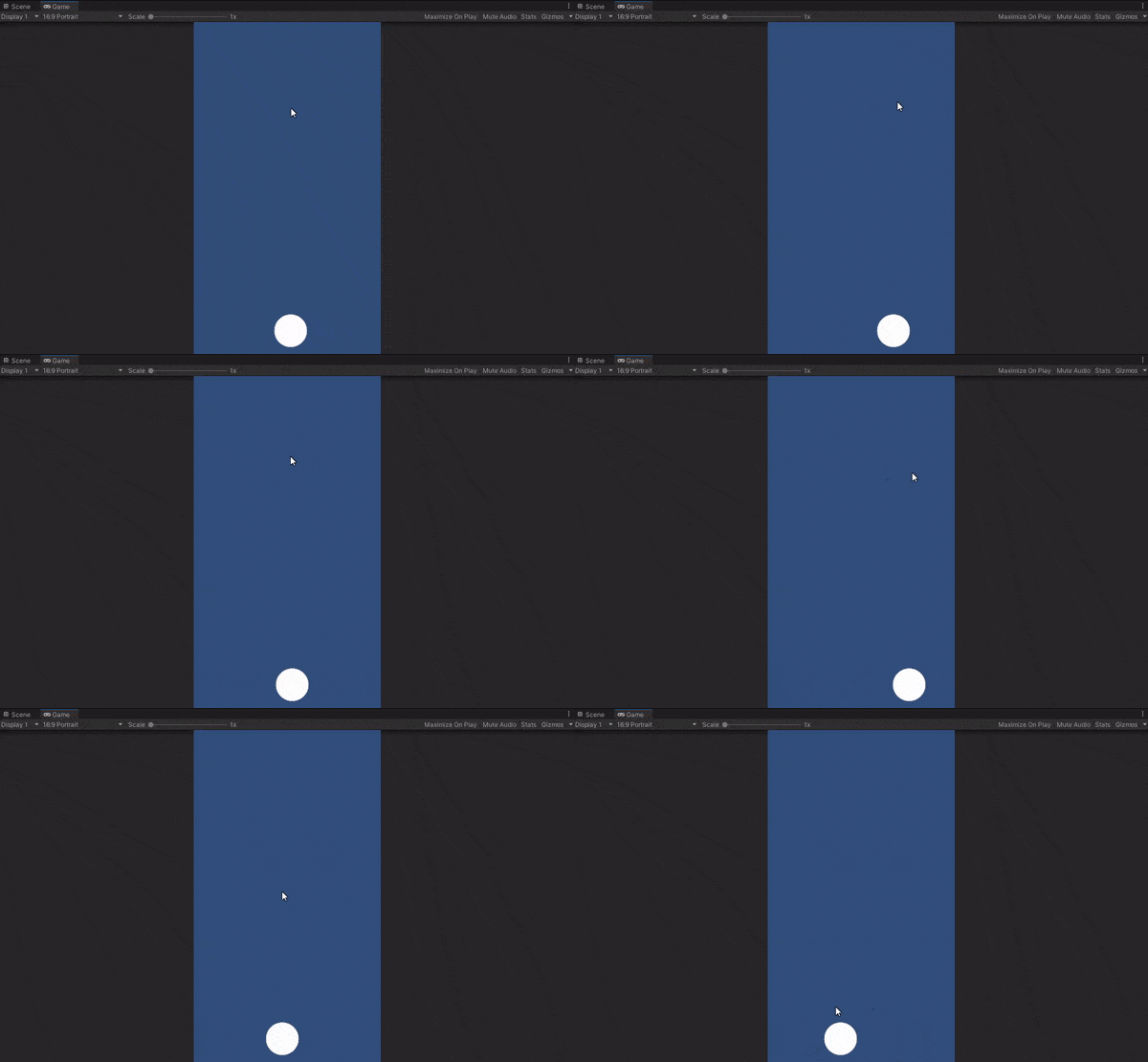
Earliest prototype. Cauldron/Circle follows touch.
During this phase, we knew we the name was going to be "Potion Pop!", the game was going to be about healing animals by making potions, and the player would collect ingredients by moving a cauldron.
Using that information, I immediately got to work. It was essential my team was on the right page, so I made short videos to showcase how the core mechanics were developing.
I wanted the game to sway more towards satisfying and addicting, rather than hectic and difficult. One way to achieve this goal was to make the spawning quite predictable - it followed a pattern and the ingredients were falling slowly.
Obviously, game art and sound design had a big part in achieving this goal, but I thought to myself: "How can I work towards this pillar in the game's design?" This led me to adding a Frenzy mechanic. From time to time - multiple ingredients would spawn together in an easy to collect pattern.
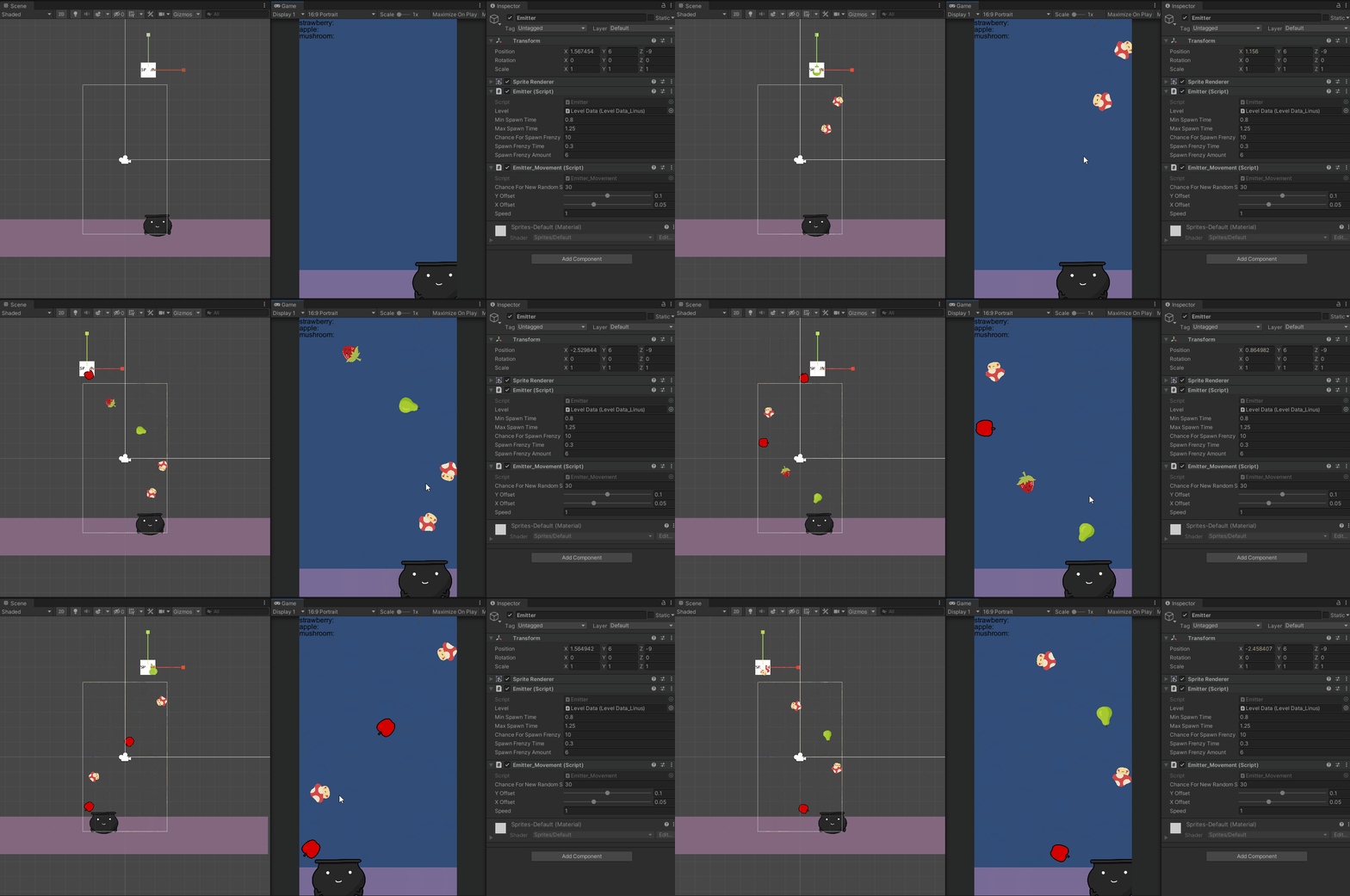
Spawning ingredients. First iteration could only spawn in a wavy pattern
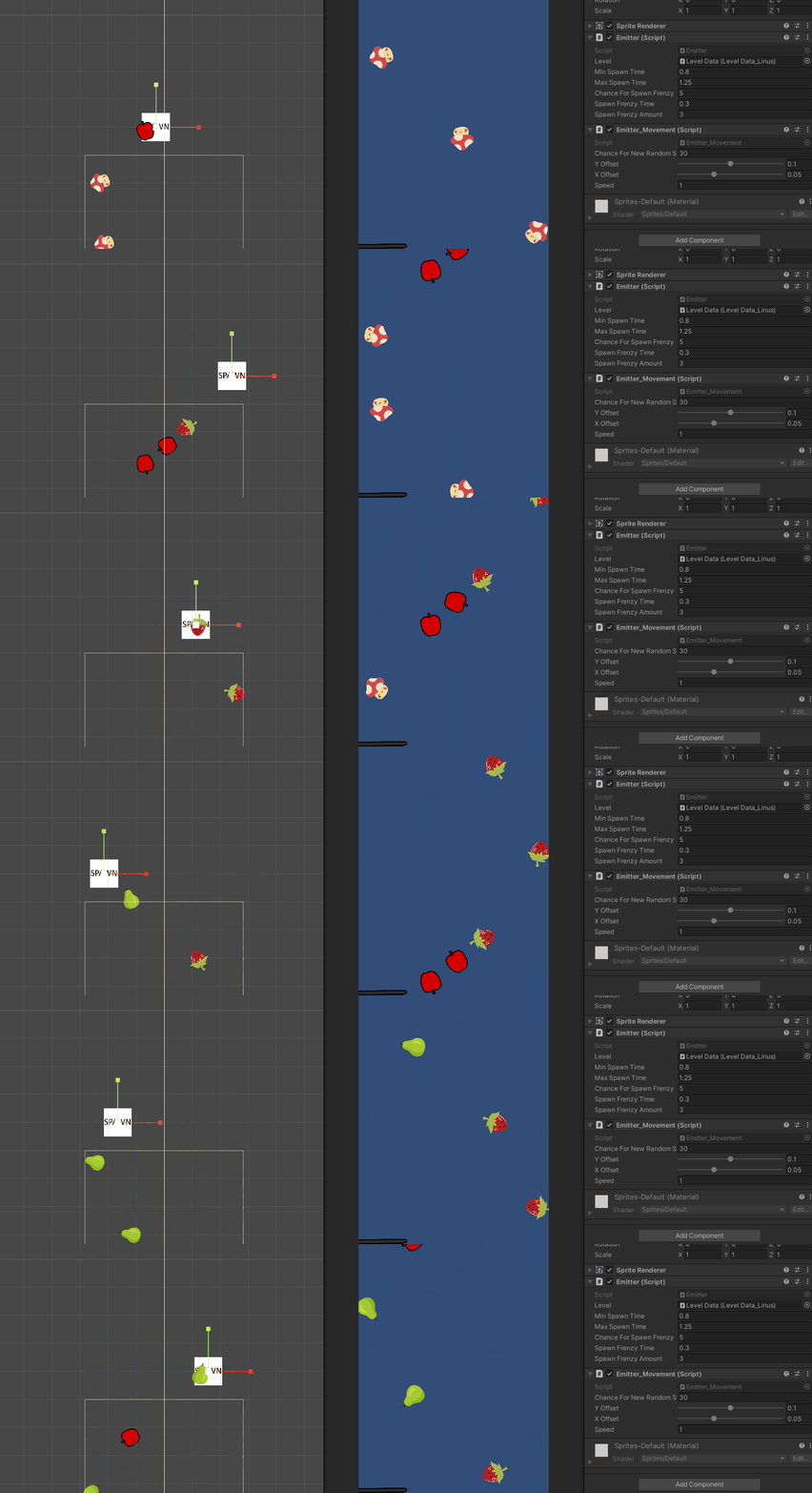
Short burst of three ingredients. Later on in development this was increased to usually be about 6-10 in a row, which felt more satisfying.
The game needed to have more depth. At this point we knew each level would have a scoring system where the player could achieve up to three stars. We also knew there would be some ingredients that the player would have to avoid.
~Level design/finishing phase~
I started of by making a simple document on how each level should differentiate from each other, what would be introduced and how difficult they should be.
I had to think of creative ways to make the levels feel unique and non-repetitive while not working with a lot of mechanics.
Introducing power-ups and de-buffs! Slow-motion, fast forward, freeze and magnet! The magnet was an addition that was aimed to move closer to achieving the pillar of the game feeling satisfying to play.
To make the nine levels more distinct, I added de-buffs. Having more elements allowed me to create variety by controlling what and how these elements showed up in each level.
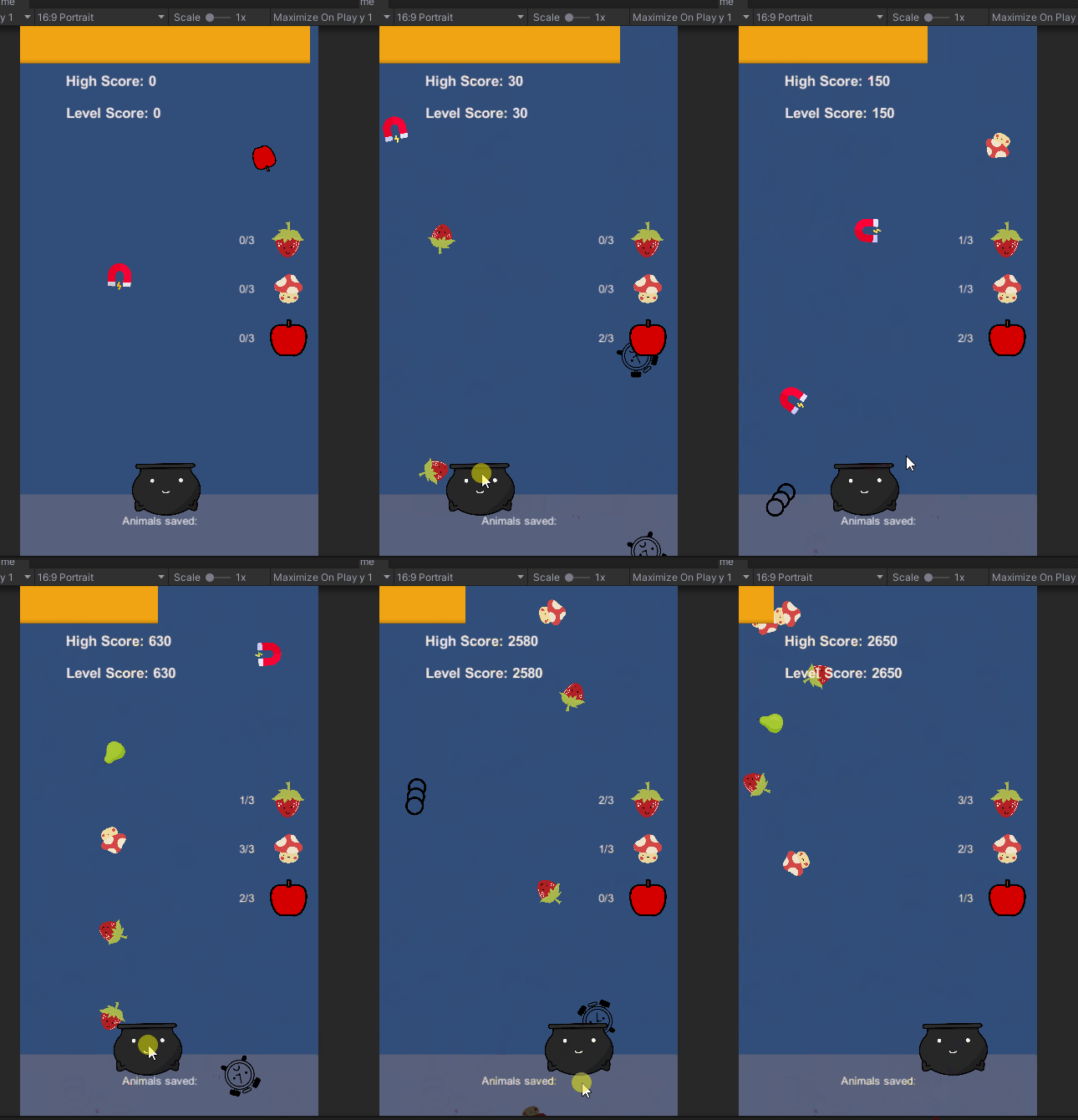
The first level in the game simply introduces the player to the game's core-mechanic. I didn't want this level to be hard, yet not easy enough that the player can accidentally beat it. The player needs to understand how the game works to progress.

This level is somewhere in the middle of the game. By now, the player already knows how to play the game and have familiarized themselves with the mechanics. Therefore, I thought to make this level interesting - I could change up the formula a bit. Instead of collecting ingredients being the focal point - it could instead be about avoiding the ice cubes. This led to a interesting challenge and a unique twist on the gameplay.

I found this method more fitting than adding a tutorial because it avoids disrupting the gameplay flow. I aimed to provide a more intuitive learning experience, allowing players to learn through action and feedback within the game environment.


The goal of this level was to make the player really feel the power of the magnet. The level is pretty much unbeatable without collecting the magnet power-up. This was meant to feel a bit like a bonus level, where the player has time to have fun with the magnet, before the challenging last two levels.
Release time!


Try it out on Google Play!